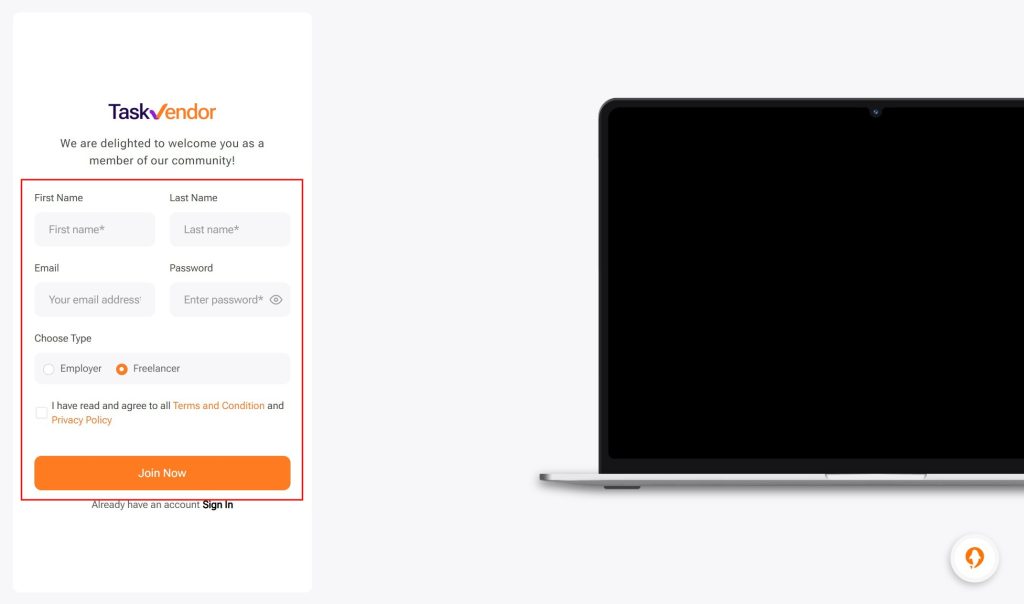
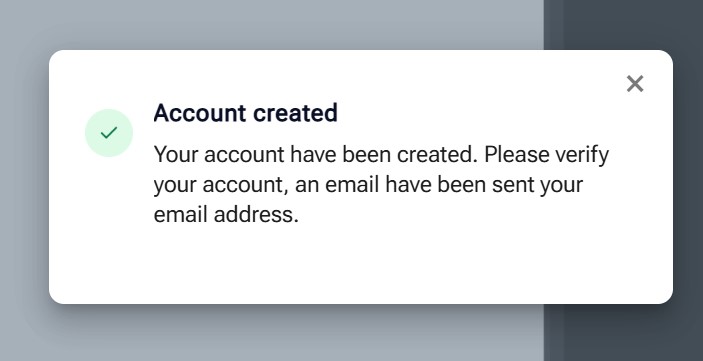
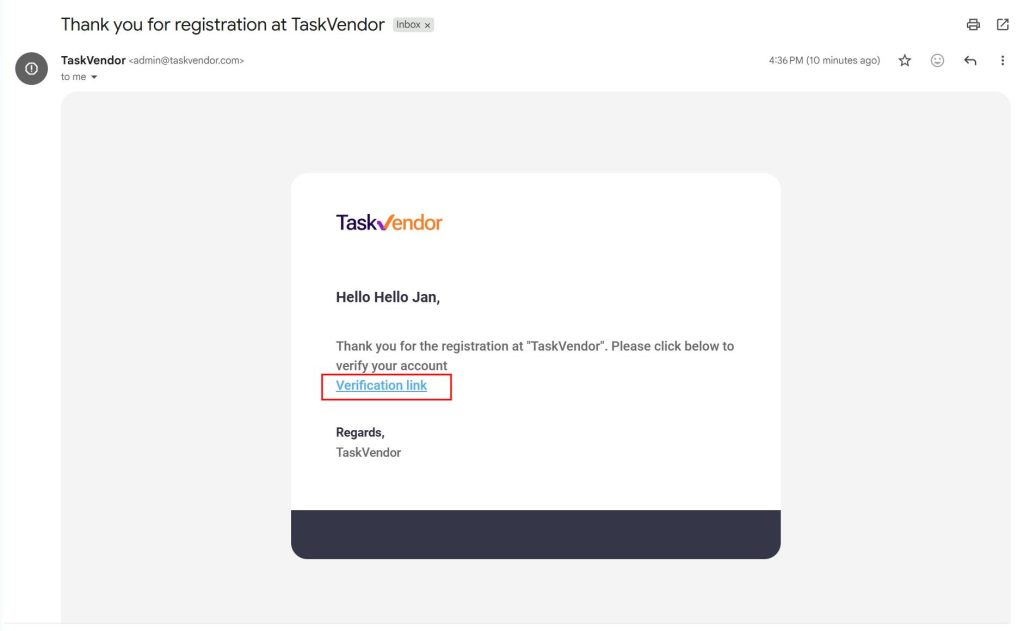
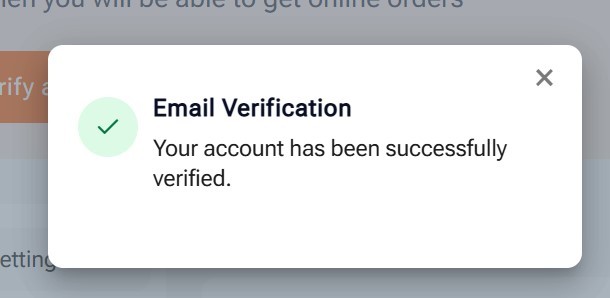
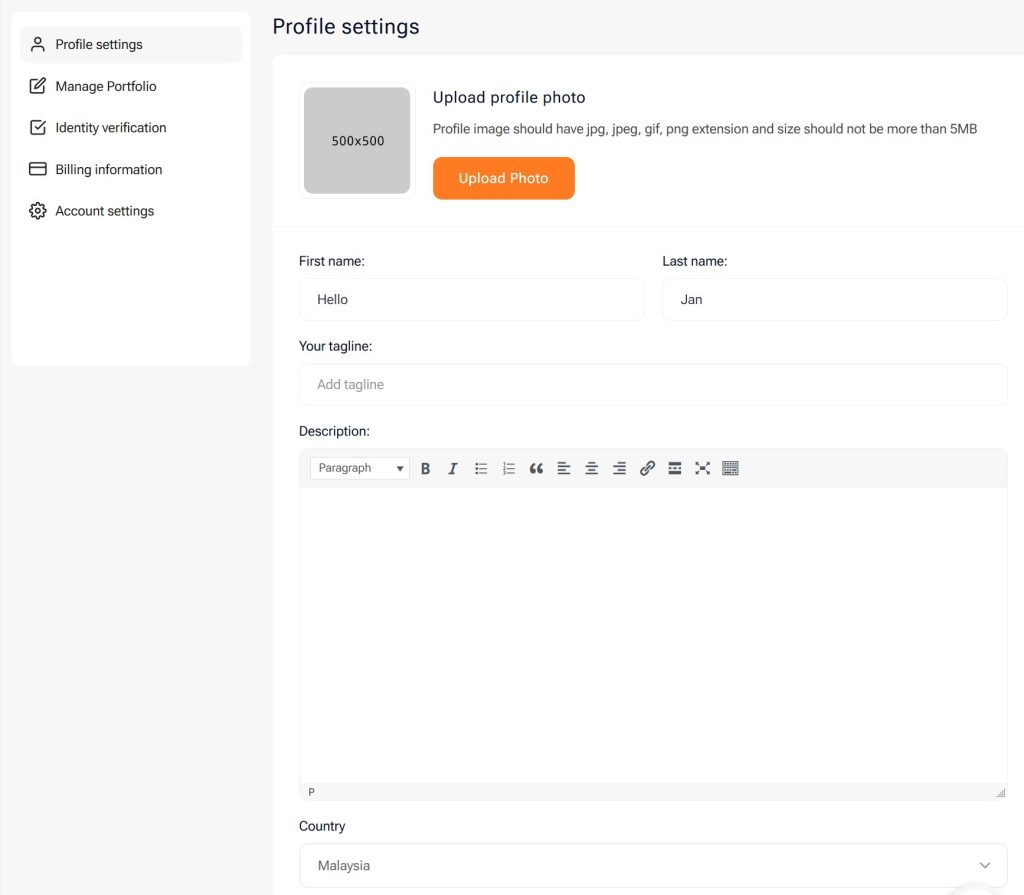
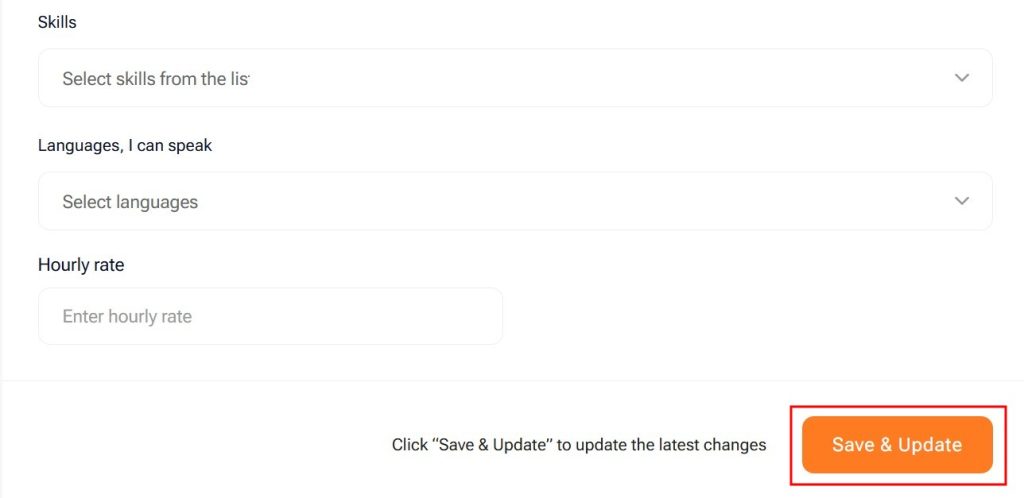
< All Topics Main Freelancer Getting Started How to Register a TaskVendor Freelancer Account Print How to Register a TaskVendor Freelancer Account STEP STEP 1 Click on "Register" to proceed with account registration. STEP STEP 2 Fill in all the details, including first and last name, email, password.Choose Type as "Freelancer".Checked on "I have read and agree to all Terms & Condition and Privacy Policy" once you have done reading it.Click "Join Now". STEP STEP 3 Account is successfully created. STEP STEP 4 Check your email and click on "verification link" to verify your email address. STEP STEP 5 Congratulations! Your email is now verified. STEP STEP 6 Upload your profile photo by clicking on the "upload photo" button.Fill in all the necessary details. STEP STEP 7 Click "save & update" once you have filled in all the details.